
You can significantly enhance your productivity with the right time tracking apps designed for beginners. These tools not only simplify the process but also allow you to monitor your work habits and identify areas for improvement. Whether you’re balancing projects or trying to allocate your time more efficiently, you’ll discover intuitive features that help you stay organized. From setting reminders to generating reports, the right apps can transform how you view your time management, making it easier than ever to achieve your goals.
Key Takeaways:
- Time tracking apps like Toggl and Clockify offer user-friendly interfaces suitable for beginners.
- Many apps provide templates and pre-set categories to simplify task entry.
- Mobile applications allow tracking on-the-go, increasing flexibility for users.
- Most apps include reporting features that summarize time spent on various tasks.
- Integrations with other tools like calendars and project management software enhance functionality.
- Some apps offer reminders to encourage consistent time tracking habits.
- Free versions are available for beginners, making it easy to start without financial commitment.
Understanding Time Tracking
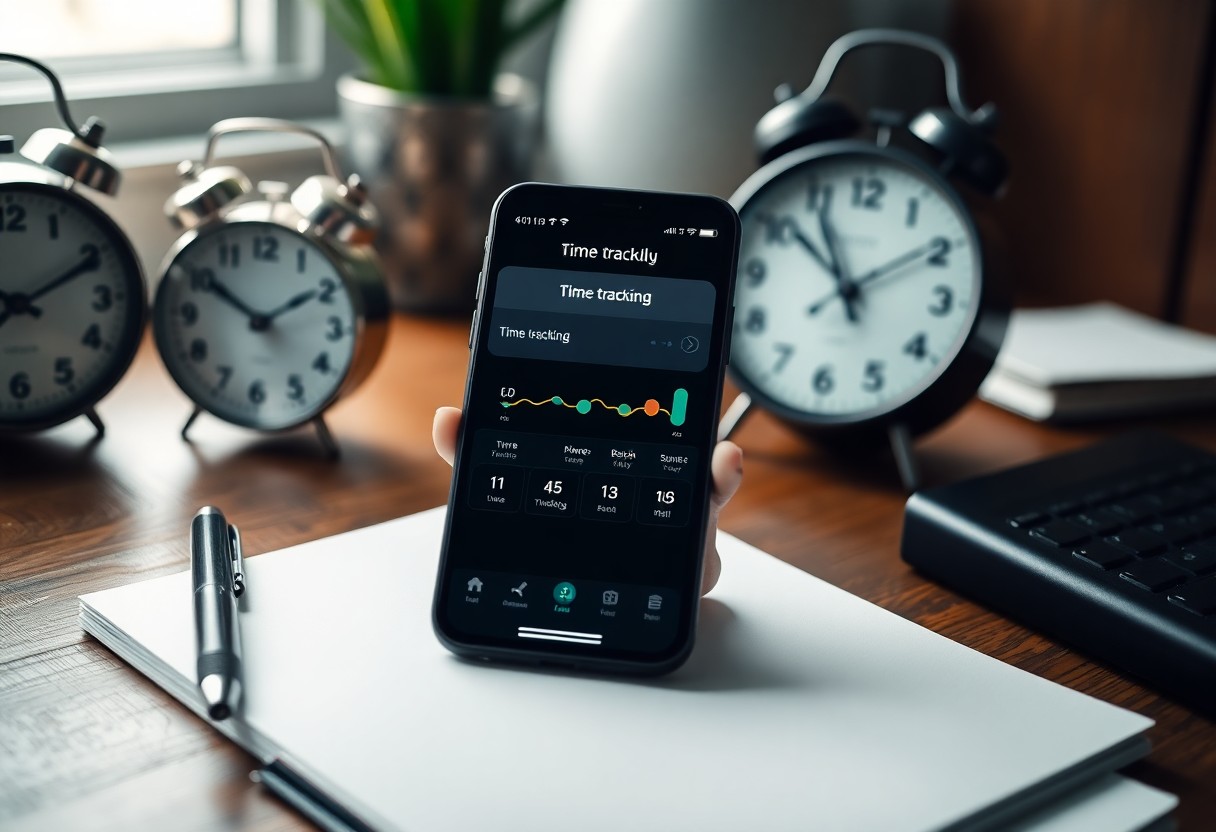
Time tracking involves recording how much time you spend on various activities throughout your day. This practice not only helps you gain clarity about your schedule but also brings awareness to where your time is allocated. By understanding your habits, you can identify areas for improvement and optimize your productivity. Utilizing effective time tracking methods lays the groundwork for enhancing your efficiency and achieving your goals.
Importance of Time Management
Effective time management leads to elevated productivity and reduced stress levels. When you manage your time well, you allocate enough moments for both your work and personal life. This balance fosters a sense of achievement and satisfaction, allowing you to focus on tasks that yield the highest impact. As you improve time management, you become better equipped to meet deadlines and reach your objectives.
Benefits of Time Tracking Apps
Time tracking apps offer an array of advantages that streamline your productivity process. By providing immediate insights into your daily activities, these tools allow you to identify inefficiencies and distractions. For instance, you might discover that you spend excessive time on email or social media, prompting corrective action. Additionally, many apps feature reporting capabilities, delivering valuable data that helps you refine your focus and enhance your performance.
Utilizing time tracking apps can significantly revolutionize your workflow. With user-friendly features such as automatic time logging and project categorization, you can easily visualize where your efforts are directed. Tracking software often integrates with other productivity tools, creating a seamless experience for managing tasks. Additionally, many apps offer reminders and alerts, ensuring you stay on track and accountable. By assessing your tracked data, you can continuously iterate your strategies, driving improved efficiency and ultimately helping you reclaim lost productivity.
Criteria for Selecting Time Tracking Apps
Choosing the right time tracking app involves evaluating several key factors that directly impact your ability to monitor and analyze your time effectively. Look for apps that offer a balance of simplicity and functionality, empowering you to track tasks without overwhelming you with unnecessary features. Also, consider compatibility with your devices and integration with other tools you already use, as this can enhance your workflow significantly. Reliability and customer support are crucial as well, ensuring you can access assistance when needed.
User-Friendliness
A user-friendly interface is non-negotiable for any time tracking app. You should find it intuitive, enabling you to log your activities quickly without confusion. Apps that provide clear navigation and easily accessible features minimize the learning curve, allowing you to focus on tracking your time rather than figuring out how to use the app. Look for customizable dashboards or simple onboarding processes that cater to beginners.
Features to Look For
Effective time tracking apps should incorporate a variety of features to enhance your productivity. Look for options that allow for task categorization, manual time entry, and automated time tracking. Additionally, analytics tools providing insights into how you spend your time can help you identify areas for improvement. Integration with task management or project management software can streamline your process, offering a complete solution for time management.
Consider features like priority settings that let you focus on high-impact tasks and reporting capabilities that break down your time usage into visual formats, such as pie charts or bar graphs. Apps that offer reminders for regular check-ins or the ability to customize your tracking sessions will also enhance your efficiency. Look for offline functionality, as it allows you to log activities without needing an internet connection, ensuring consistent tracking regardless of your location.
Top Time Tracking Apps for Beginners
Several time tracking apps can significantly enhance your ability to manage your time effectively. These platforms range from simple timers to comprehensive tools that provide insights into your productivity. Regardless of your preferences, finding the right app tailored to your needs can make all the difference in your workflow efficiency.
App A: Overview and Features
App A provides a user-friendly interface perfect for beginners. Its standout feature is the one-click timer, allowing you to start tracking your time effortlessly. With detailed reporting, you gain valuable insights into your productivity patterns, making it easier to adjust your workflow.
App B: Overview and Features
App B is designed for simplicity and effectiveness. It offers automatic tracking, which records your activities in real-time without manual input. The app integrates seamlessly with tools like Google Calendar and project management software, ensuring your time data is always updated and accurate.
With App B, you not only track time but also categorize activities, enabling a clear overview of how you allocate your hours. The customizable reports highlight where you invest most of your time, driving better decision-making regarding your tasks. Its clean design and intuitive navigation cater specifically to beginners, ensuring a smooth transition into effective time management. Overall, it serves as a strong foundation for developing better habits.
Comparing Free vs. Paid Time Tracking Apps
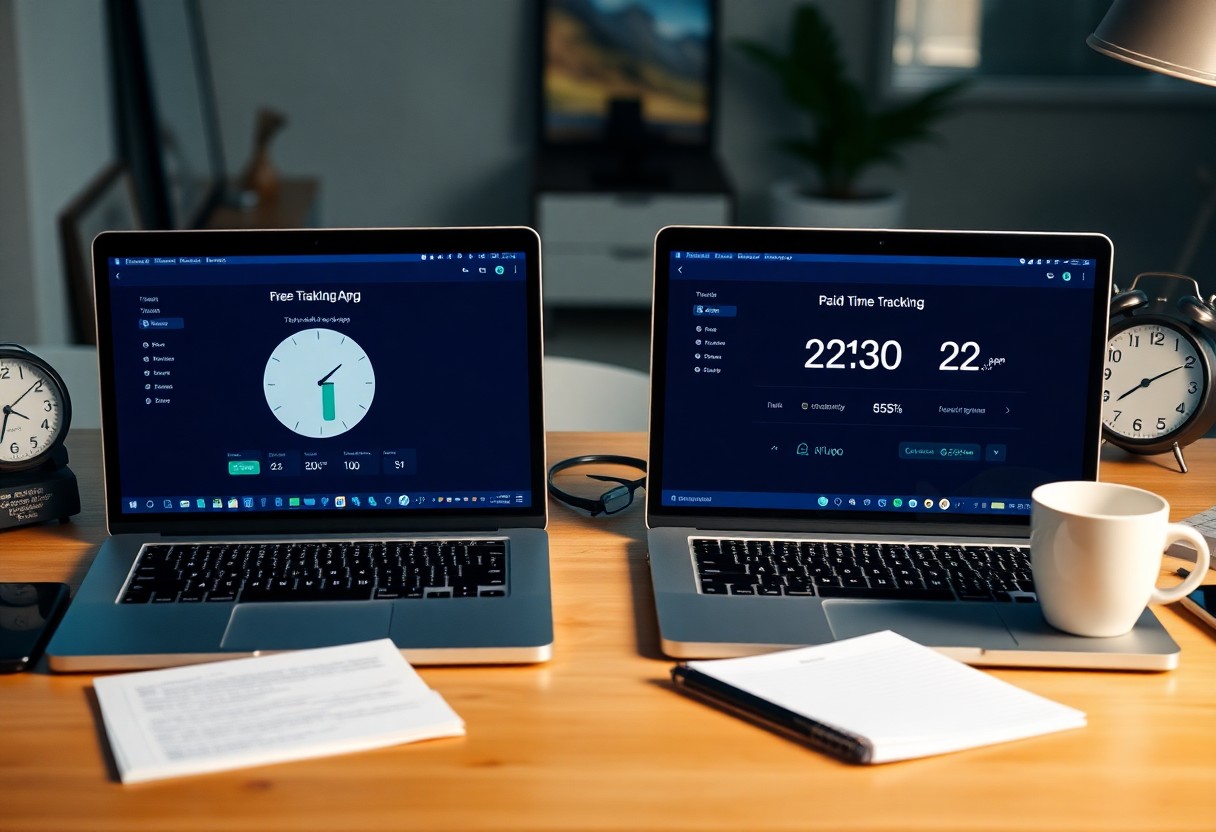
| Feature | Free Apps | Paid Apps |
|---|---|---|
| User Experience | Basic interfaces, limited features | Enhanced UX, extensive features |
| Customer Support | Community forums, limited help | Dedicated support, quicker response |
| Integrations | Few integrations available | Multiple integrations with third-party tools |
Advantages of Free Apps
Free time tracking apps offer a low-risk entry point for individuals and teams, allowing you to start tracking time without any financial commitment. Most of these apps provide basic features that are sufficient for simple projects, granting you the opportunity to assess usability and functionality before making a monetary investment. They often include crucial time tracking tools, basic reporting capabilities, and sometimes even collaboration features.
When to Consider Paid Options
Paid time tracking apps become valuable when your projects grow in complexity, requiring advanced features like detailed reporting, more integrations, and enhanced support. If you find yourself needing specific features such as budgeting tools or client invoicing, investing in a paid app could significantly increase productivity and optimize your workflow.
When your workload increases or your team expands, the limitations of free apps may become apparent. You might experience restrictions on the number of users, limited storage for data, or a lack of customization options, making paid versions more appealing. With detailed analytics and premium features available through subscriptions, you gain insights necessary to refine your processes and improve overall time management strategies.
Tips for Effective Time Tracking
Effective time tracking requires a strategic approach to maximize productivity. To improve your time management, focus on these key strategies:
- Set clear goals for your tasks.
- Choose the right app that suits your needs.
- Create a routine for tracking time consistently.
- Eliminate distractions during your focus periods.
- Be honest about how you spend your time.
The more disciplined you are with these techniques, the better your time tracking results will be.
Setting Up Your Account
Start by creating your profile in the selected app. Input personal preferences such as work hours, breaks, and project categories. Familiarize yourself with its interface to streamline your experience. Customize settings to receive prompts or reminders that promote consistent usage, ensuring you capture all your time effectively.
Regularly Reviewing Your Time Data
Schedule weekly or bi-weekly reviews of your collected time data. Analyzing your time logs helps identify patterns or inefficiencies that may be hindering your productivity. Look for repetitive tasks that can be streamlined or eliminated entirely. Utilize this insight to adjust your workflow and set new productivity goals.
During these reviews, pay attention to how much time you spend on specific activities. For example, you might discover that meetings consume an unusually high percentage of your time, which could be trimmed or made more efficient. Use charts and reports provided by the app to visualize your habits, making it easier to spot trends and areas needing improvement. These regular audits empower you to make informed decisions about your time management strategy, leading to better productivity and work-life balance.
Final Words
Presently, to enhance your time tracking skills as a beginner, consider apps like Toggl, Clockify, and Harvest. These platforms offer user-friendly interfaces, intuitive features, and helpful analytics to simplify the process. They allow you to easily log your hours and visualize your productivity patterns, empowering you to optimize your time management. By integrating these tools into your routine, you can build effective habits to better manage your tasks and achieve your goals.
FAQ
Q: What is time tracking?
A: Time tracking is the process of monitoring and recording the amount of time spent on various activities or tasks. It helps individuals or teams understand how their time is being utilized.
Q: Why do beginners need time tracking apps?
A: Time tracking apps help beginners organize their tasks, identify time sinks, improve productivity, and develop better time management skills, allowing them to work more efficiently.
Q: What features should I look for in a time tracking app?
A: Key features include user-friendly interface, task categorization, reporting and analytics, automated tracking, reminders, and integrations with other productivity tools.
Q: Are there free time tracking apps available for beginners?
A: Yes, many time tracking apps offer free versions with basic functionalities. Examples include Toggl Track, Clockify, and Harvest.
Q: Can time tracking apps be used for teams and collaboration?
A: Yes, many time tracking apps support team features. They allow users to collaborate, assign tasks, and track time collectively, enhancing team productivity and accountability.
Q: How can I set goals using time tracking apps?
A: Most time tracking apps provide goal-setting features that allow users to define specific time targets for tasks and projects, helping to monitor progress over time.
Q: What are some popular time tracking apps for beginners?
A: Popular time tracking apps for beginners include Toggl Track, Clockify, RescueTime, Harvest, and Timely, all of which cater to novice users with simple interfaces and helpful resources.